'%20fill='url(%23cc-green)'%20stroke='url(%23cc-green)'%3e%3cpath%20d='M60%20102h44l70%20112'%20fill='none'%20stroke-width='38'%20stroke-linecap='round'%20stroke-linejoin='round'/%3e%3crect%20x='142'%20y='128'%20width='328'%20height='212'%20rx='76'%20stroke='none'/%3e%3cpath%20d='M388%20300l62-24%202%2072z'%20stroke-width='20'%20stroke-linejoin='round'/%3e%3ccircle%20cx='222'%20cy='410'%20r='32'%20stroke='none'/%3e%3ccircle%20cx='372'%20cy='410'%20r='32'%20stroke='none'/%3e%3c/g%3e%3c/svg%3e) ChatCart
ChatCart
Start here Step 7 of 8
What a successful start looks like
In the terminal
After npm run seed (Path A), the end of the output looks like this:
✅ ChatCart seed complete
   Stores:      2 (Bloom Boutique [default], Aroma Café)
   Categories:  28
   Products:    33
   ...
   Admin:       [email protected] / ChangeMe123!

⚠️  This is the public demo password. Sign in and change it in
   Admin → Users before anyone else can reach this site.
After npm run dev, you see something like this:
   ▲ Next.js 16.x.x (Turbopack)
   - Local:        http://localhost:3000
   - Network:      http://192.168.1.20:3000
   - Environments: .env.local

 ✓ Starting...
 ✓ Ready in 1.8s
Check that .env.local is listed under Environments. If it is
missing, the file is in the wrong folder or has the wrong name. When you open a page, lines like
GET / 200 in 2.4s appear. A 200 means the page loaded. Red error text
means something is wrong: look it up in Troubleshooting.
In the browser
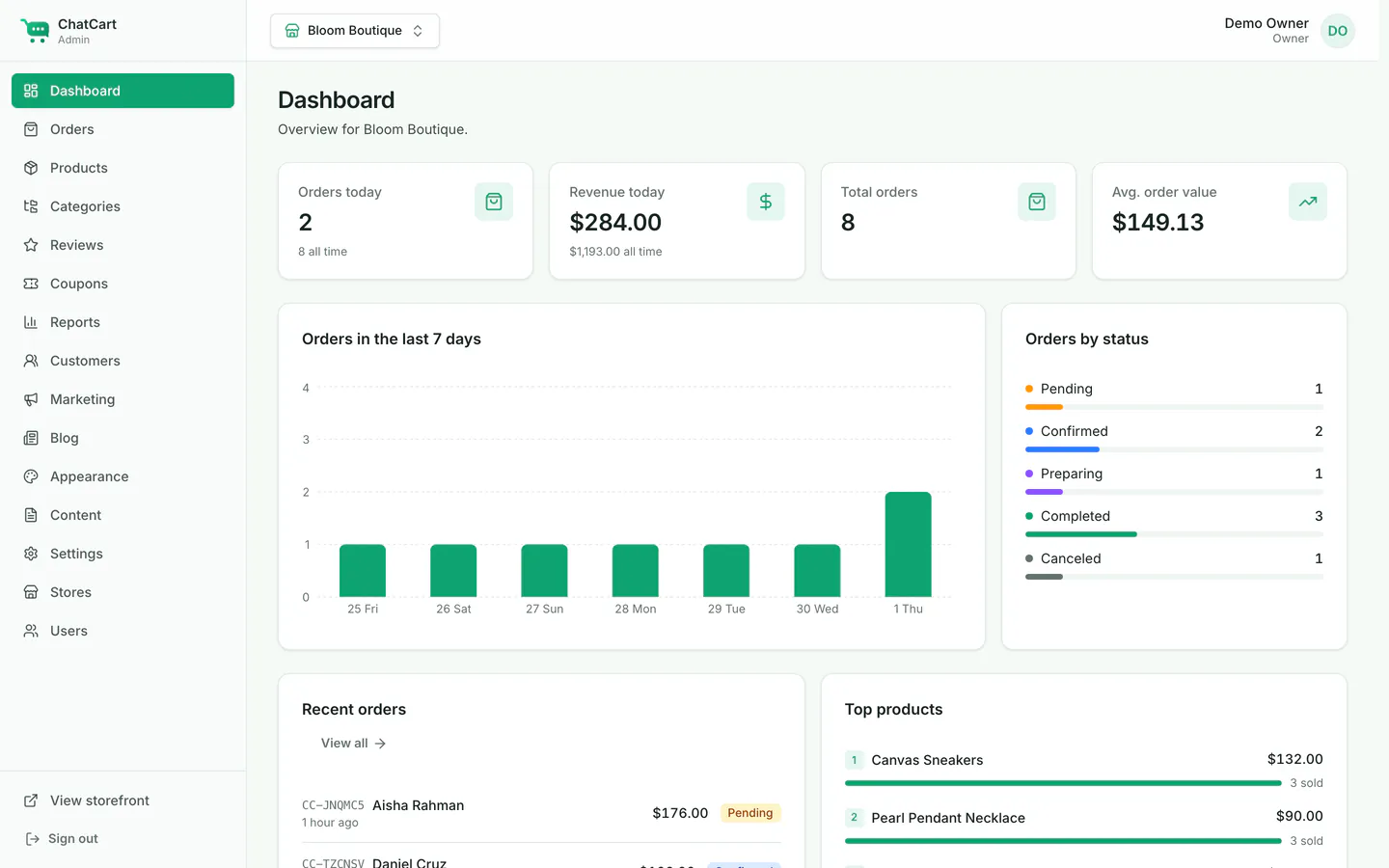
http://localhost:3000 shows the storefront. With demo data, you see Bloom Boutique as in the Overview picture. With a clean install, you see No store configured yet until you create your first store.
http://localhost:3000/admin sends you to the sign-in page. Your own install shows an empty form (the live demo fills it in for you, as in this picture).
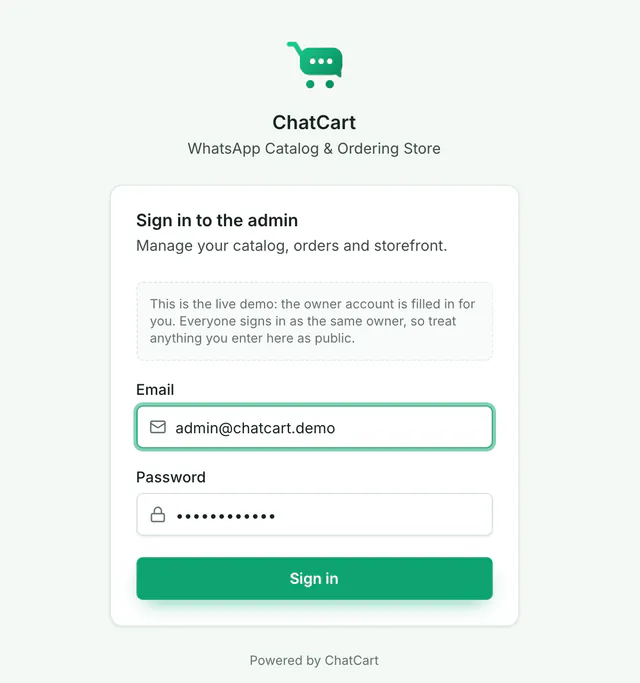
/admin/login.