'%20fill='url(%23cc-green)'%20stroke='url(%23cc-green)'%3e%3cpath%20d='M60%20102h44l70%20112'%20fill='none'%20stroke-width='38'%20stroke-linecap='round'%20stroke-linejoin='round'/%3e%3crect%20x='142'%20y='128'%20width='328'%20height='212'%20rx='76'%20stroke='none'/%3e%3cpath%20d='M388%20300l62-24%202%2072z'%20stroke-width='20'%20stroke-linejoin='round'/%3e%3ccircle%20cx='222'%20cy='410'%20r='32'%20stroke='none'/%3e%3ccircle%20cx='372'%20cy='410'%20r='32'%20stroke='none'/%3e%3c/g%3e%3c/svg%3e) ChatCart
ChatCart
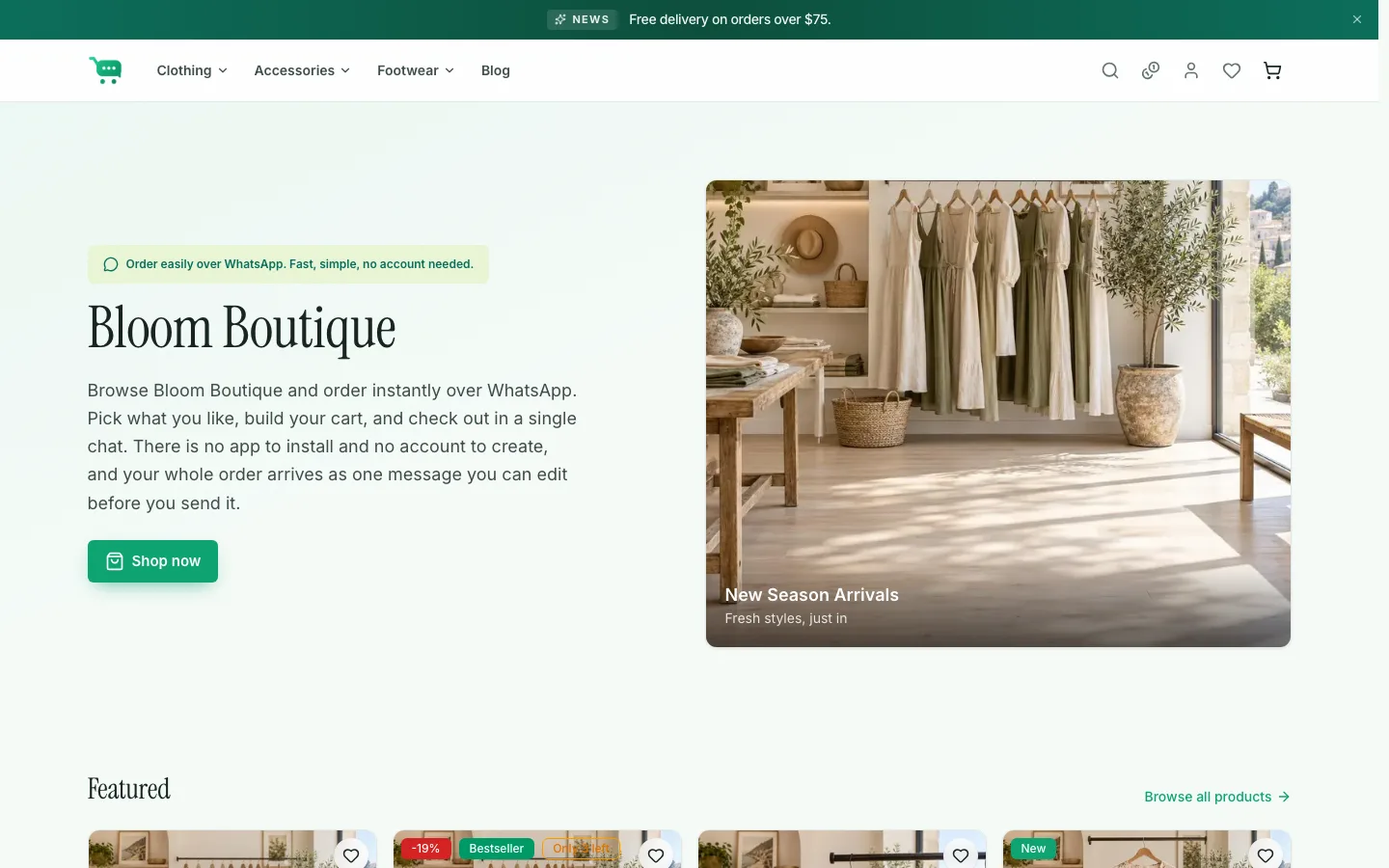
Storefront: Bloom Boutique
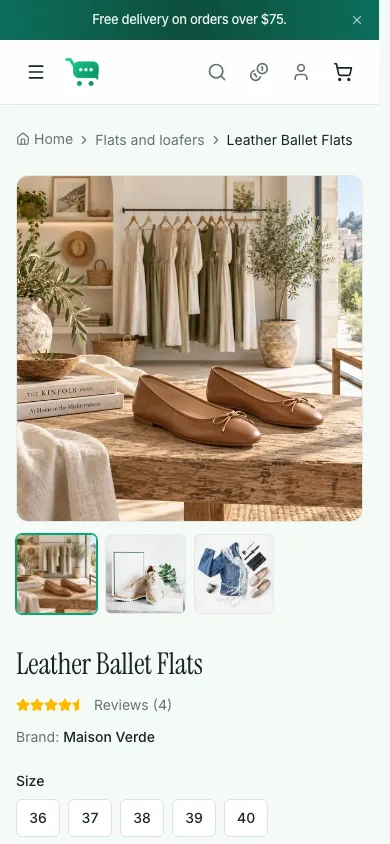
Store modeA full fashion shop: home page built from sections, filters and search, product variants, reviews, wishlist, coupons, and the WhatsApp checkout.
- Coupons
- WELCOME10 · SAVE5 · FREESHIP
ChatCart is a self-hosted storefront whose checkout is a pre-filled WhatsApp message. Customers browse, build a cart, and tap Order on WhatsApp. You get the full order in your chat and in your admin. No payment gateway, no transaction fees.
The demo runs the exact code you download, seeded with two stores. Pick a starting point below; each one opens in a new tab.
A full fashion shop: home page built from sections, filters and search, product variants, reviews, wishlist, coupons, and the WhatsApp checkout.
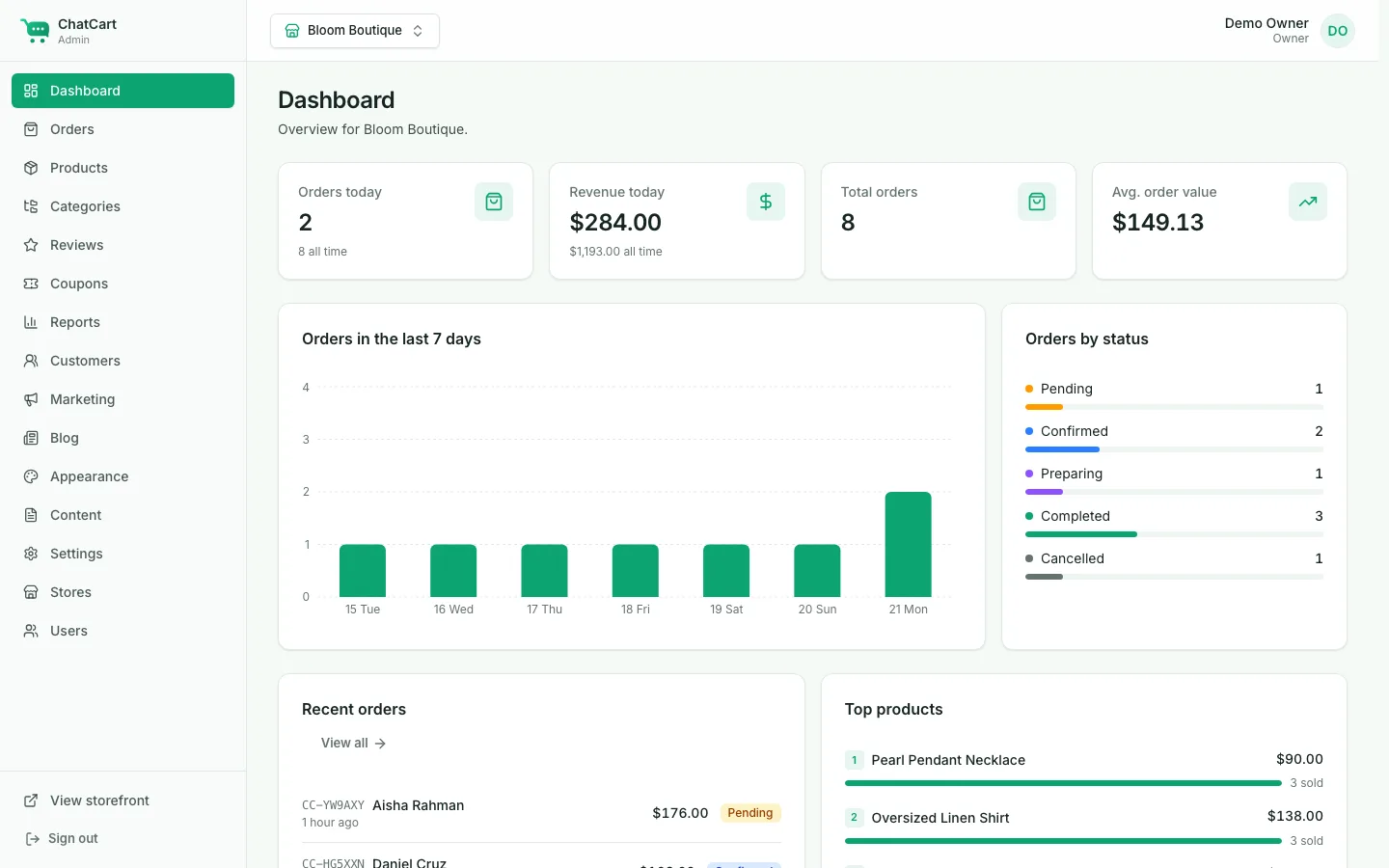
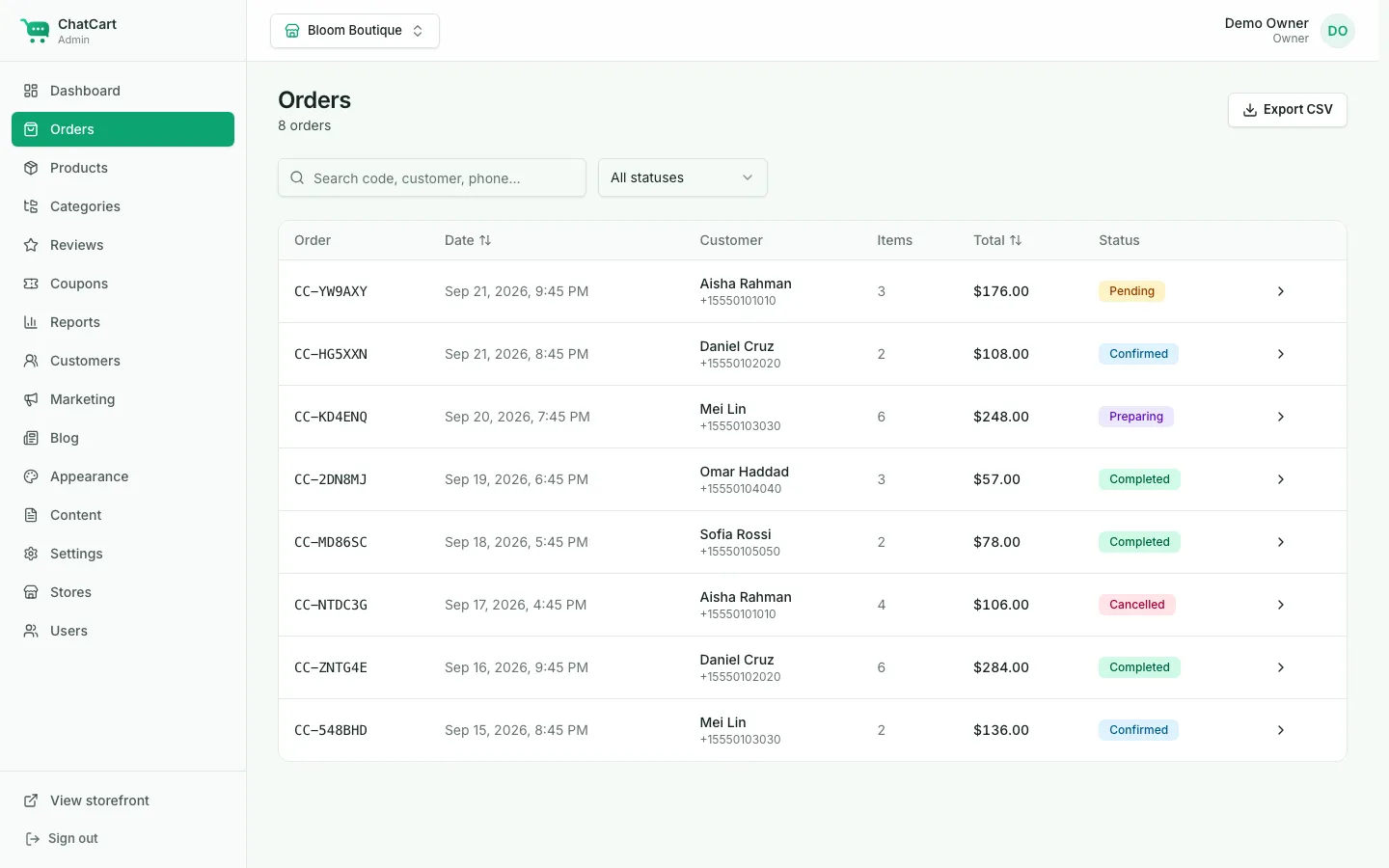
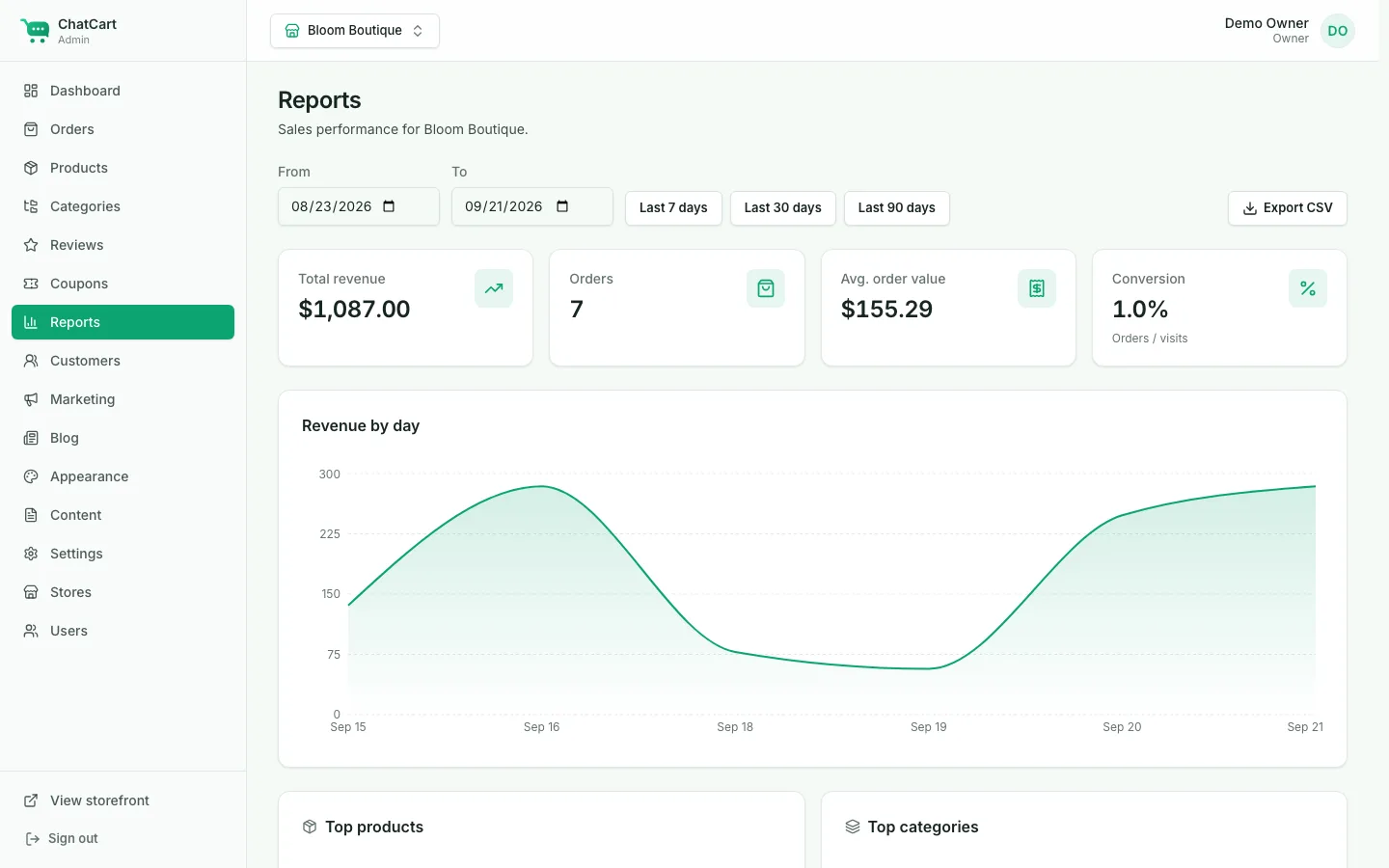
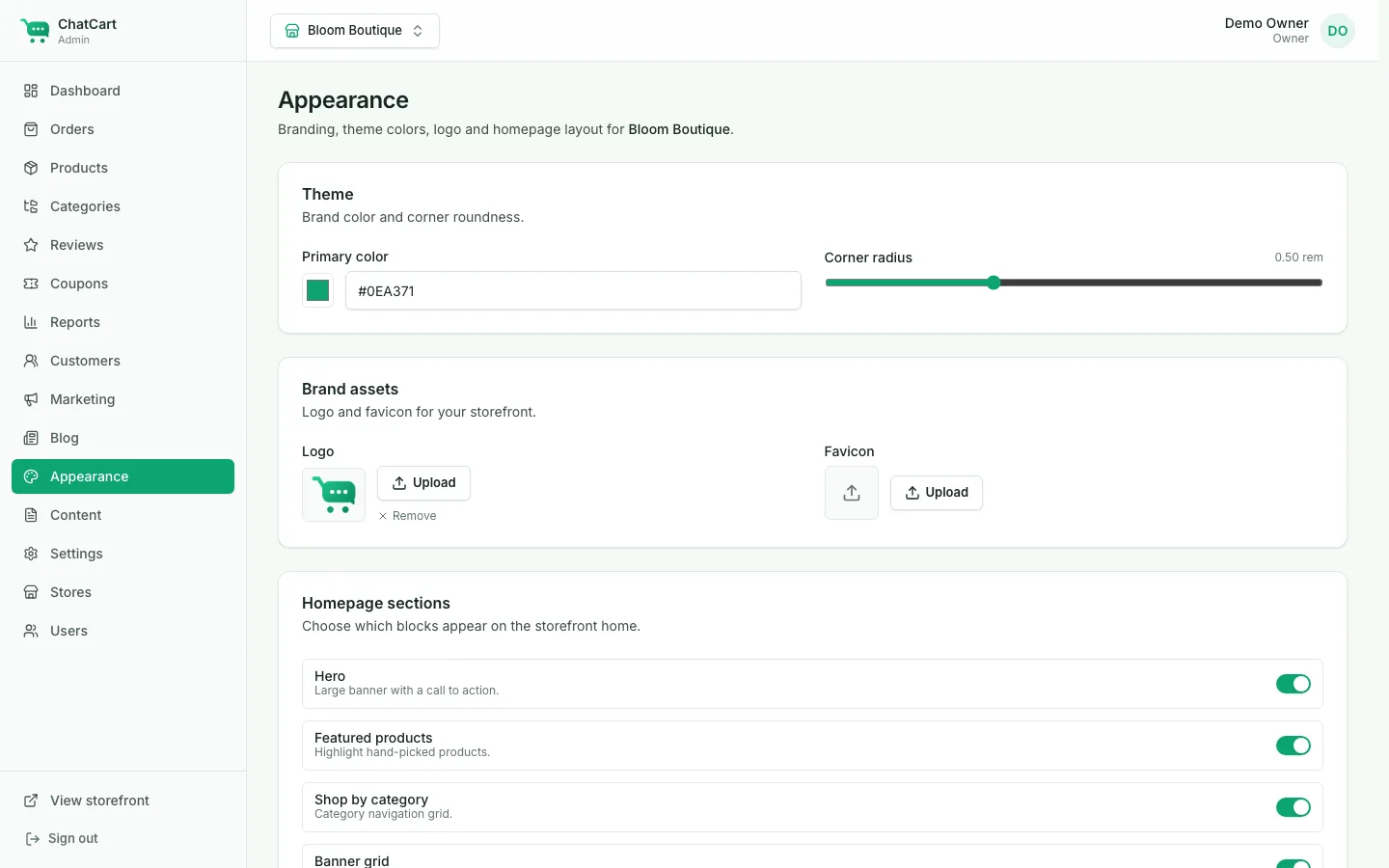
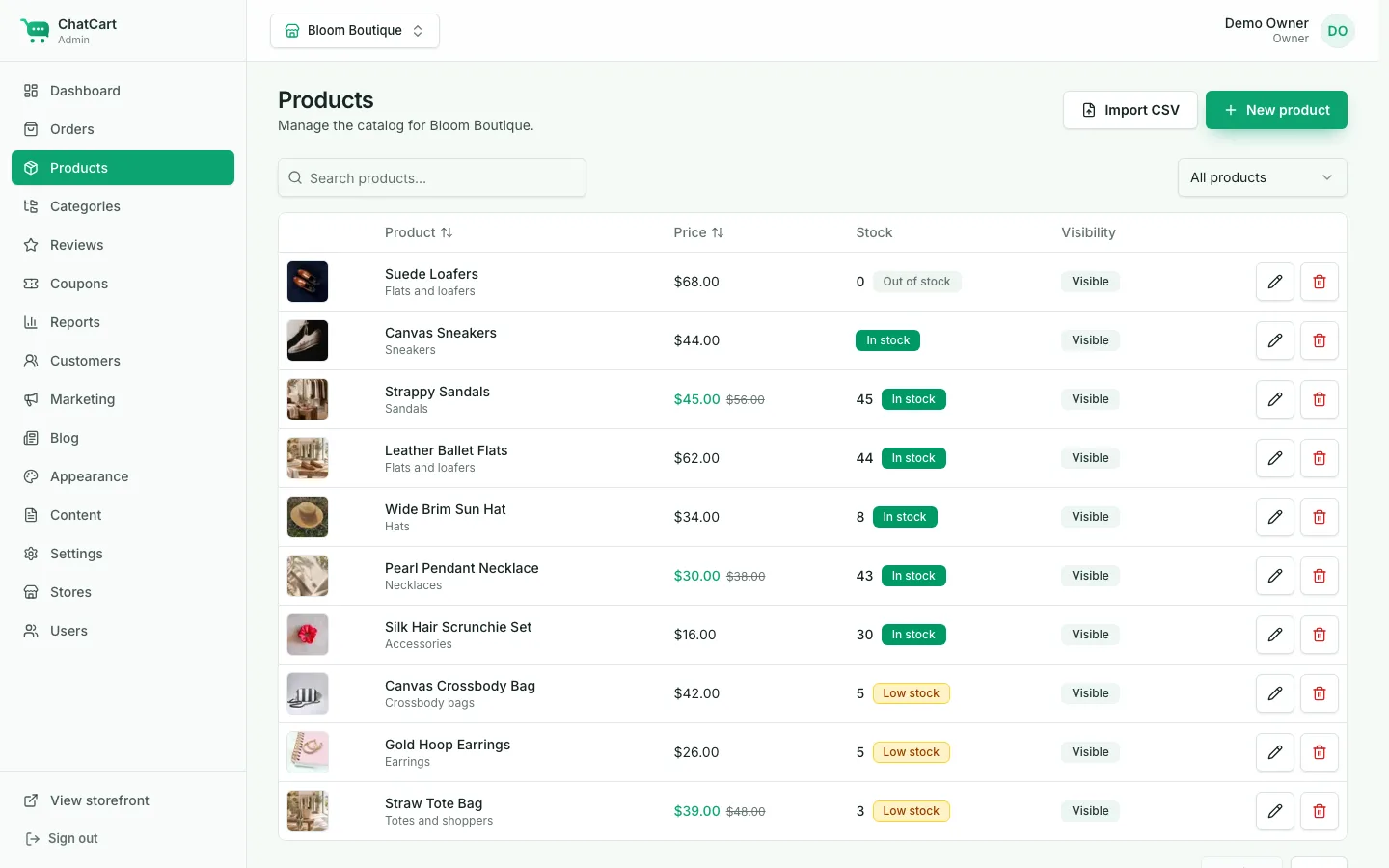
Dashboard, products with CSV import, orders with status flow and printable invoices, coupons, reviews, reports, appearance, and the WhatsApp template editor.
A second store on the same install: a café menu with pickup and dine-in instead of delivery. Pick something, then choose Dine-in at checkout to tag the order with a table number, exactly as a scanned QR code does.
Order history, saved addresses, and a one-tap reorder that re-opens WhatsApp. Accounts are optional, because guest checkout always works.
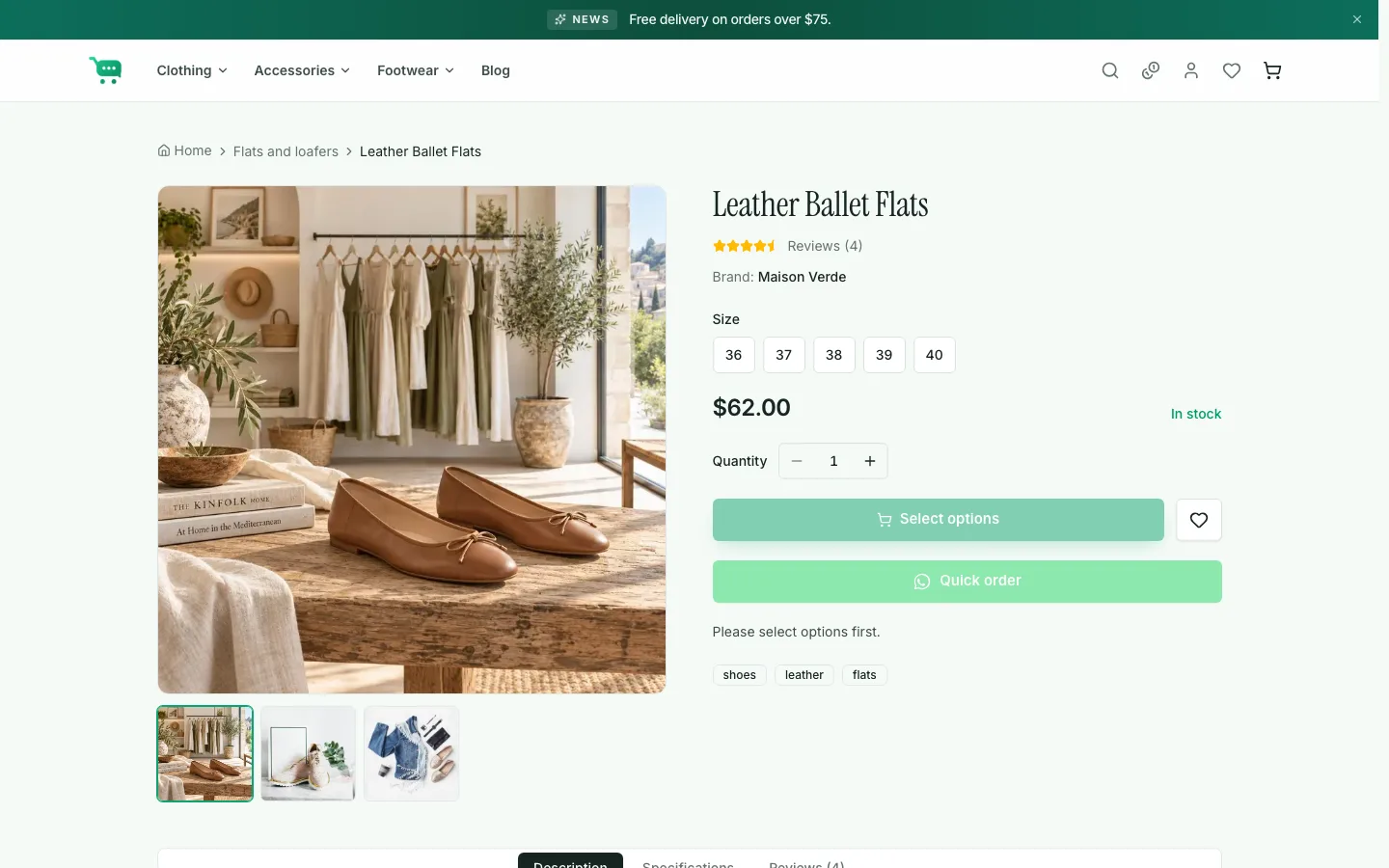
A fast, mobile-first storefront with categories, search, filters, variants, and a cart drawer. Installable as a PWA.
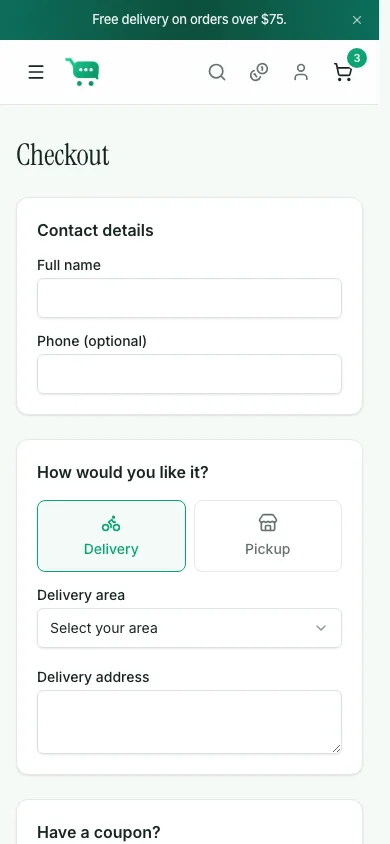
The server recomputes every price, saves the order, and opens WhatsApp with a tidy message built from your template.
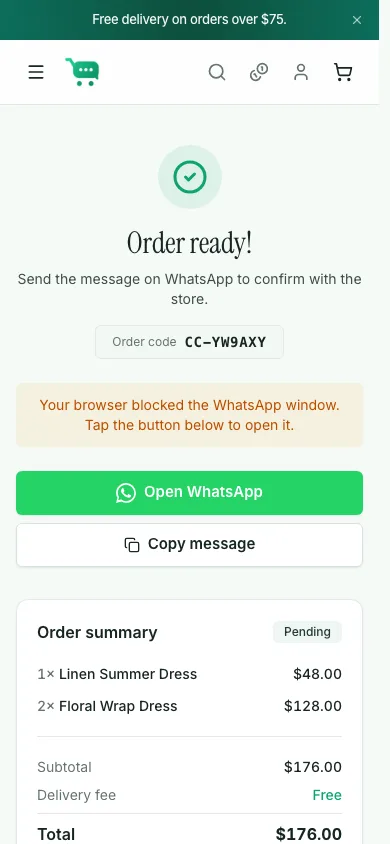
Reply in the chat, then move the order through Pending → Confirmed → Preparing → Completed in the admin. Print an invoice if you need one.
Every store picks its own mode in the admin. Switch whenever you like.
The full shop experience for retail catalogs.
Dine-in ordering for cafés and restaurants.
A compact mobile menu for social sellers.
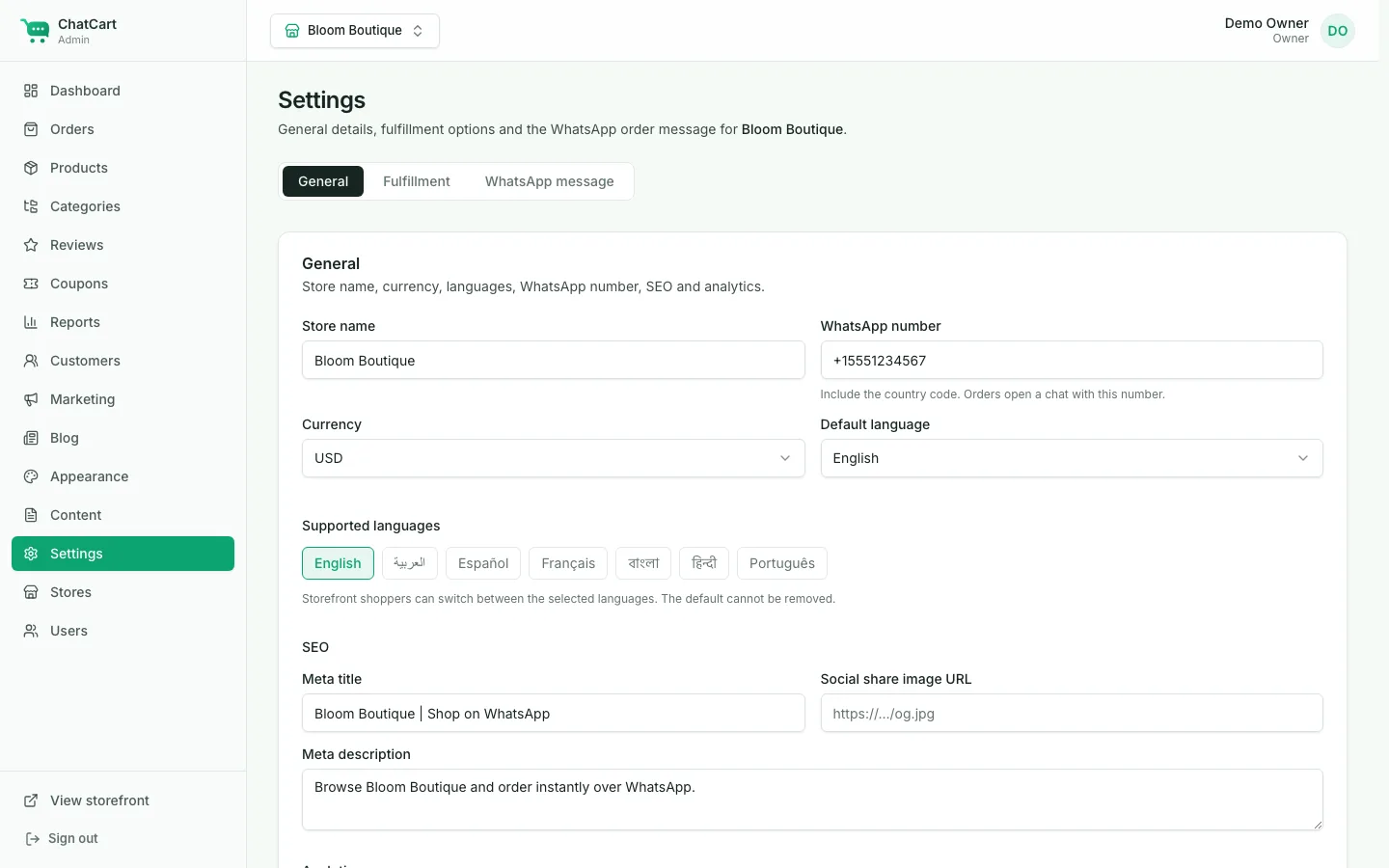
Edit the order message with token chips and a live preview. Empty lines collapse and long messages are length-guarded.
Hero, featured, categories, banners, new arrivals, deals, testimonials, newsletter, rich text, and blog. Toggle and reorder them.
Stock tracking, low-stock thresholds, backorders, and automatic sold-out badges.
Percent, fixed, and free-shipping codes with minimums, usage limits, date ranges, and category or product scopes.
Delivery with a flat fee, free-delivery threshold, and per-zone fees, plus pickup and dine-in.
Star ratings with a moderation queue or auto-approve, and optional customer accounts with order history.
Run several stores from one install, each with its own domain, theme, currency, languages, and message template.
English, Arabic, Spanish, French, Bengali, Hindi, and Portuguese out of the box.
A currency switcher with rates you manage. Orders are always placed in the store currency.
Owner, manager, and staff roles. Scope managers and staff to specific stores.
Sales by period and top products, with CSV export for orders, products, reports, and subscribers.
Per-store meta title and share image, sitemap, product JSON-LD, optional GA / Meta Pixel, a web app manifest, and an offline shell.
Strict TypeScript, server-validated inputs, and a clean data layer. Unit tests and a Playwright smoke test are included.
npm run seed
No. ChatCart uses standard wa.me click-to-chat links, so it works with
any regular WhatsApp or WhatsApp Business number. There is nothing to apply for and
no per-message cost.
However you already take payment: cash on delivery, bank transfer, or a payment link you send in the chat. ChatCart does not include a payment gateway, which is why there are no transaction fees and no merchant account to set up.
The order is saved in your admin as Pending before WhatsApp opens, including the customer’s contact details, so you can follow up. The confirmation page also lets the customer re-open WhatsApp or copy the message.
Node.js 20 or newer and a MongoDB database (a free Atlas cluster works). A small VPS with PM2 and Nginx is the recommended setup; Vercel works too, with the caveat that uploaded images need persistent storage. Shared PHP hosting will not run it.
Yes. Create as many stores as you like in the admin. Each store resolves by custom
domain or at /s/your-store, with its own mode, theme, currency,
languages, fulfillment rules, and message template.
No. The demo seed references placeholder photos from Lorem Picsum so you can see the layout with content. Replace them with your own product photography.
No. There is no activation server and the app never phones home. You can store your purchase code as a note for your own records.
Add something to the cart, check out, and watch the WhatsApp message write itself.