'%20fill='url(%23cc-green)'%20stroke='url(%23cc-green)'%3e%3cpath%20d='M60%20102h44l70%20112'%20fill='none'%20stroke-width='38'%20stroke-linecap='round'%20stroke-linejoin='round'/%3e%3crect%20x='142'%20y='128'%20width='328'%20height='212'%20rx='76'%20stroke='none'/%3e%3cpath%20d='M388%20300l62-24%202%2072z'%20stroke-width='20'%20stroke-linejoin='round'/%3e%3ccircle%20cx='222'%20cy='410'%20r='32'%20stroke='none'/%3e%3ccircle%20cx='372'%20cy='410'%20r='32'%20stroke='none'/%3e%3c/g%3e%3c/svg%3e) ChatCart
ChatCart
Use ChatCart
Admin tour
Everything below is under /admin. Choose the store you work on with the
store switcher at the top. Owners see every store. Managers and staff see only
the stores they are given.
| Area | What you can do |
|---|---|
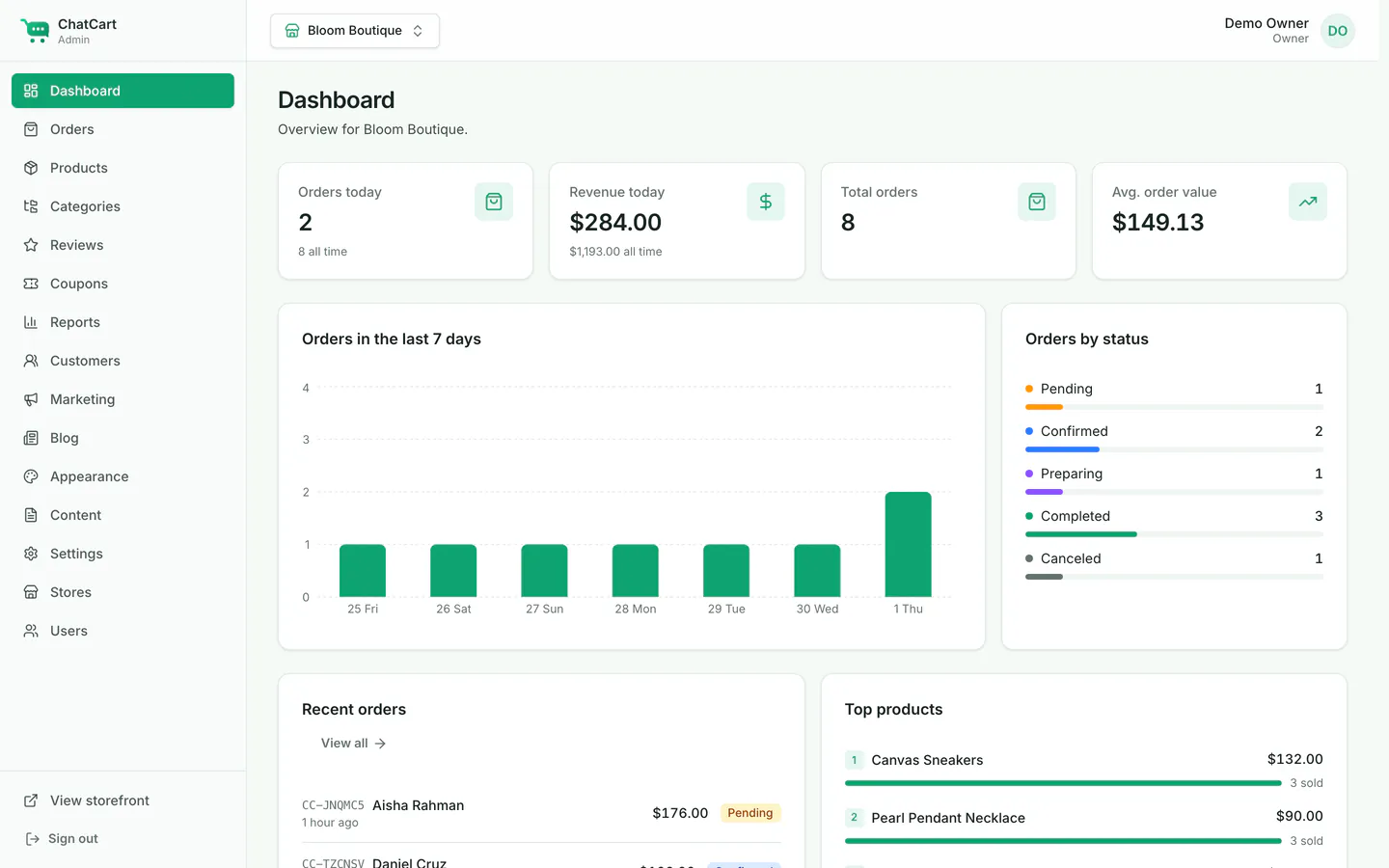
| Dashboard | Sales, orders and visits over time; recent orders; low-stock products. |
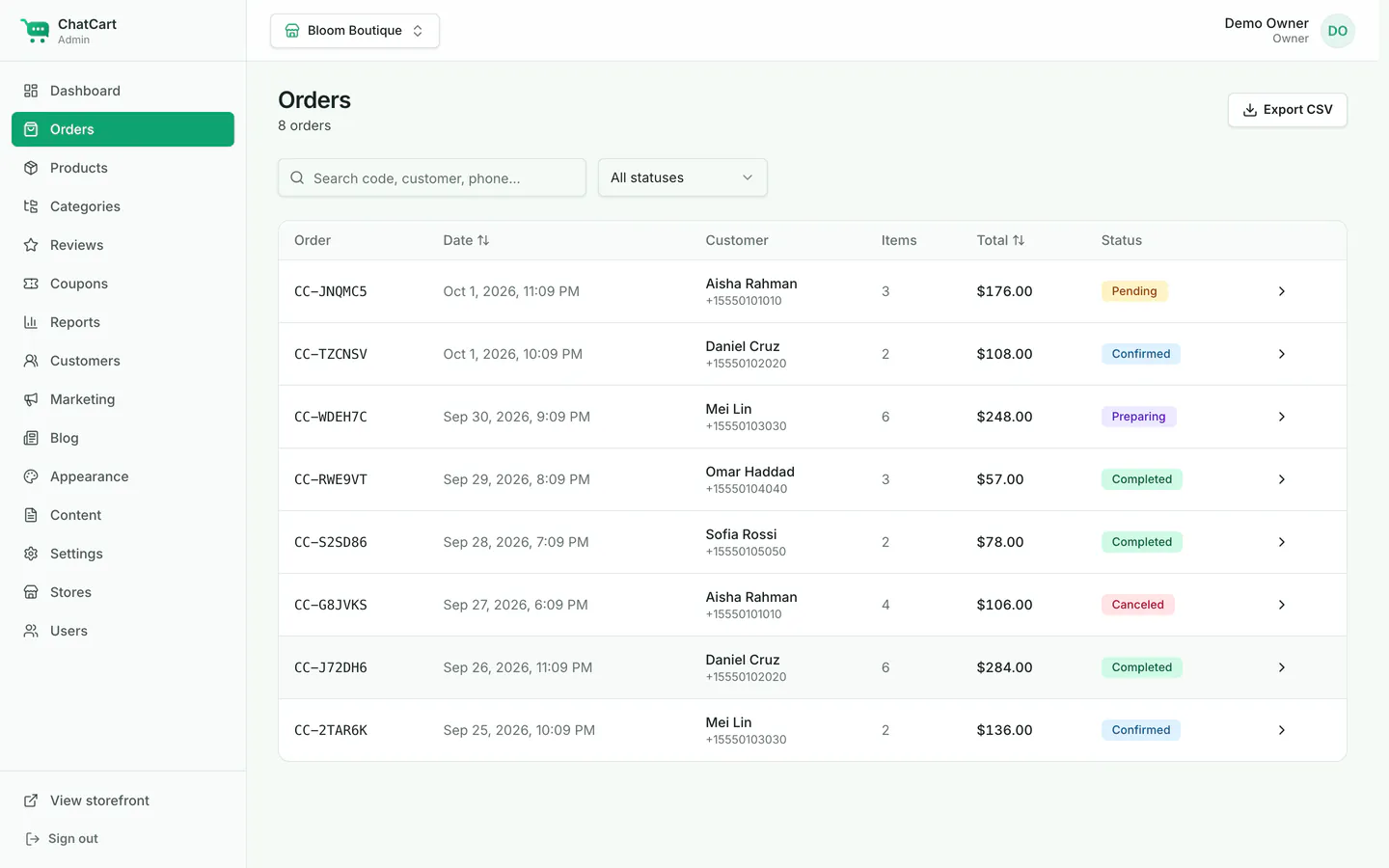
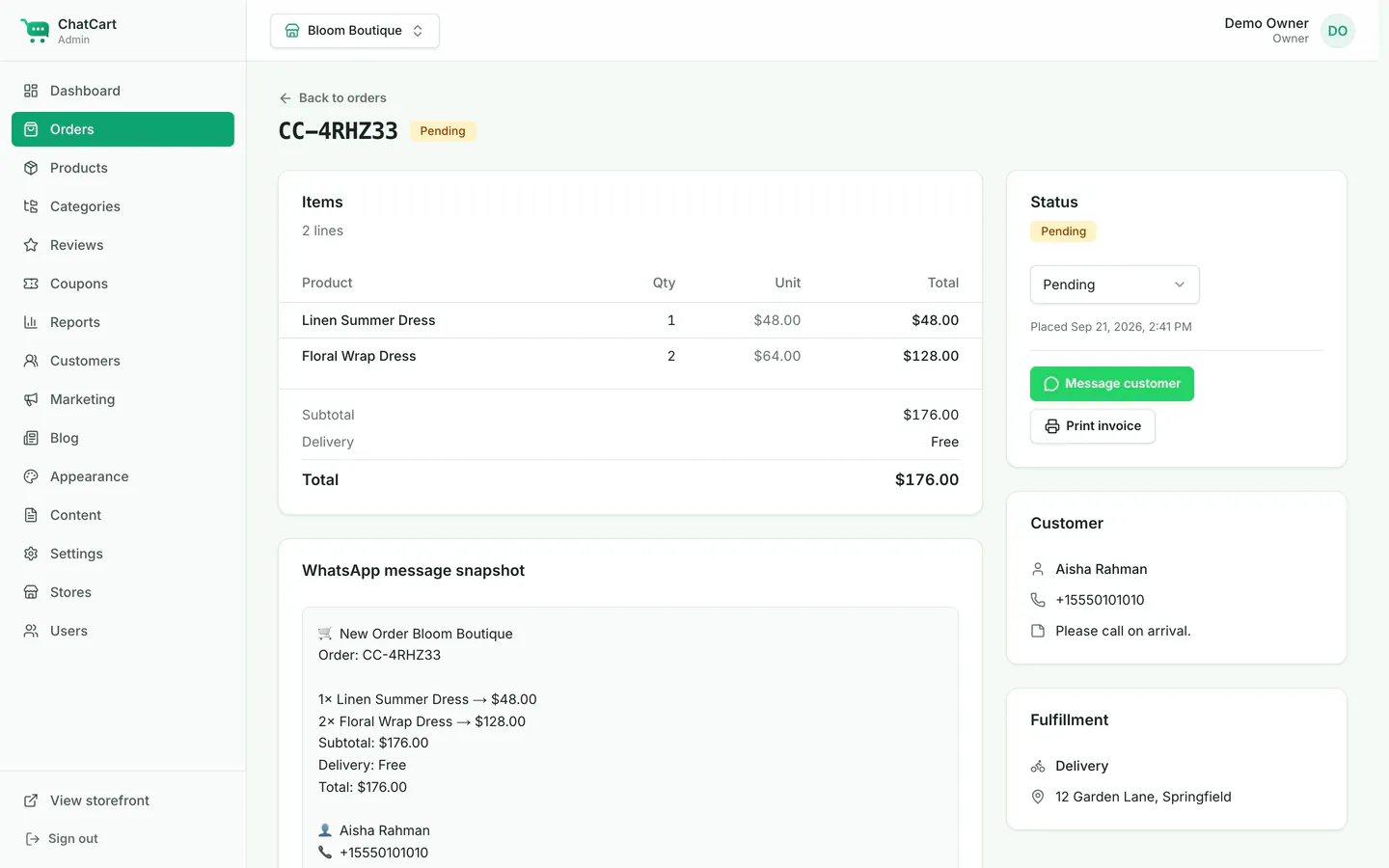
| Orders | Status (Pending, Confirmed, Preparing, Completed, or Canceled), internal notes, a printable invoice, CSV export, and a button to message the customer on WhatsApp. |
| Products |
Products with variants, images, specs, stock, badges and SEO. CSV import and export (lists are
separated by |; image URLs must be HTTPS or /uploads/...).
|
| Categories | Categories with an image and a display order. |
| Reviews | Approve or reject reviews. Auto-approve is a setting per store. |
| Coupons | Percent, fixed amount or free delivery, with a minimum order, usage limits (in total and per customer), dates, and limits to some categories or products. |
| Reports | Sales by period and top products, with CSV export. |
| Customers | Registered customers, their orders and addresses. |
| Marketing | Newsletter subscribers, with CSV export. |
| Blog | Draft and publish posts with cover images and SEO fields. |
| Appearance | Brand color, corner radius, logo, favicon, banners, and the home page builder. See Branding and Home page builder. |
| Content | The announcement bar and static pages (at /p/<slug>). |
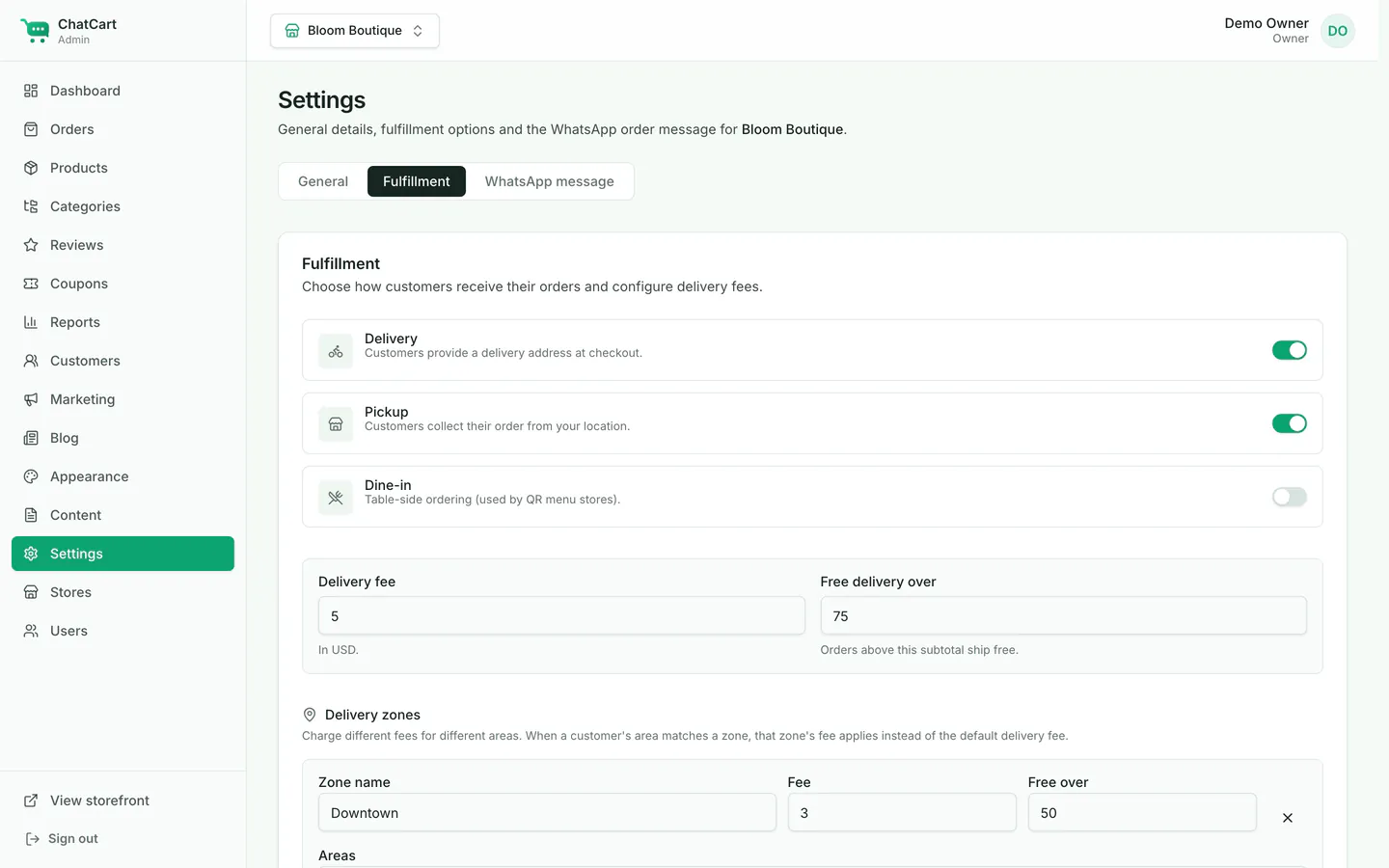
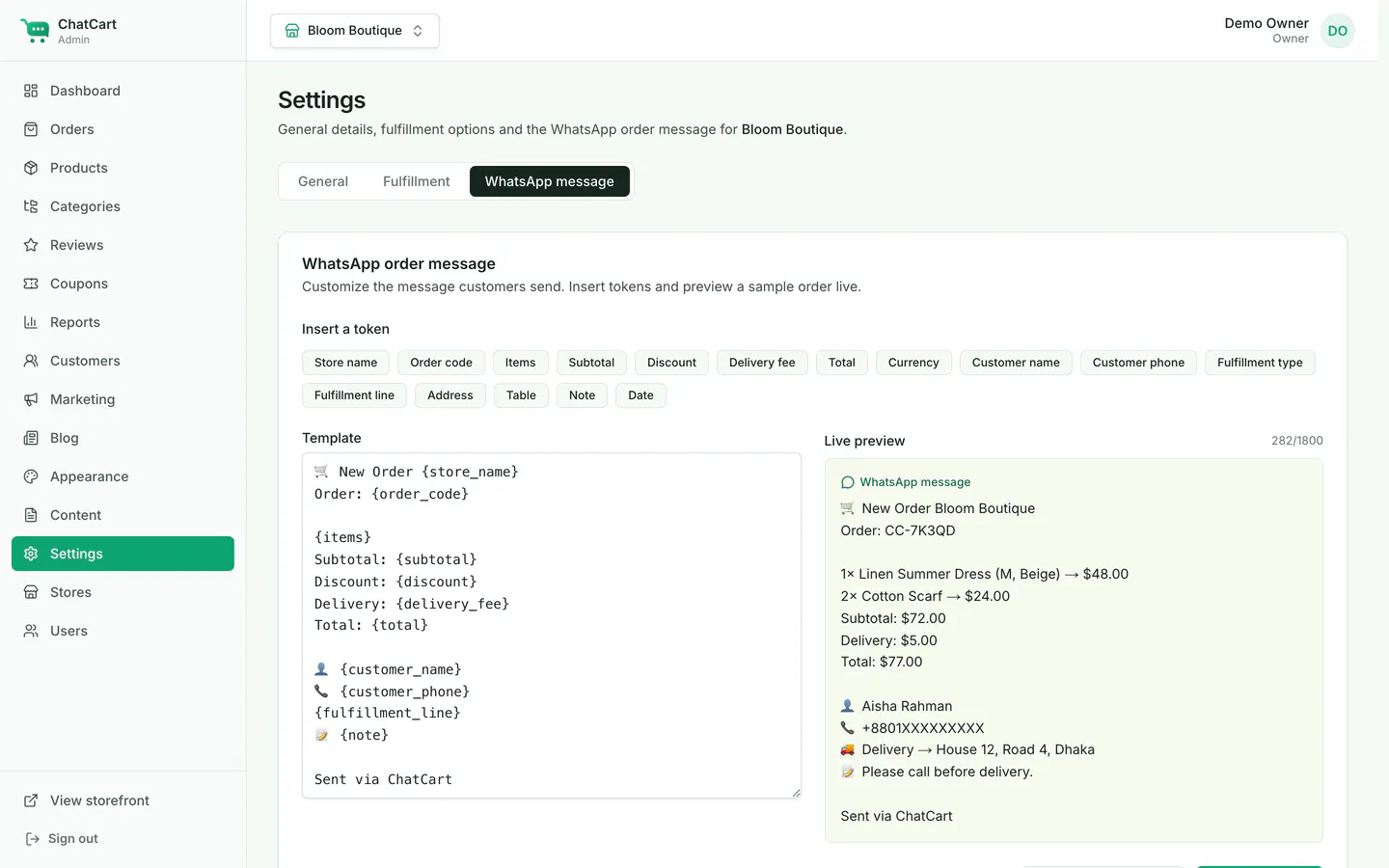
| Settings | General (name, WhatsApp number, currency, languages, SEO, analytics), Fulfillment (delivery, zones, pickup, dine-in), and the WhatsApp message. |
| Stores | Create stores and set the mode, slug, domains and default store. Owners only. |
| Users | Add owners, managers and staff, and choose their stores. Owners only. |
Orders
Settings